I’ve been teaching myself Houdini for the past 3 years, and have achieved my goal of being hired as a Houdini artist! It was a long and arduous journey but more than worthwhile! Highly recommended if you also wish to grow some white hair.
Houdini has a powerful particle system, where you can use VEX to control every aspect to achieve a certain behaviour. This led me to become curious about Nuke’s particle system – I needed to find out if there was a way to get the same kind of fine control.
I was no stranger to Nuke’s particle systems, but its documentation and online learning materials didn’t covered much beyond the basics, and I’ve been left on many occasions just telling people:
“Sorry, I don’t know how to do that.”

So after even more studying, I am now comfortable to shamelessly proclaim that I’ve mastered particles in Nuke.
And with new found powers comes more responsibilities!
Thus an idea to write a series of articles sharing my knowledge on this topic and how I’ve used them in production.
I hope you enjoy and learn something new!
This is the first article of I don’t know how many! And I’m going to begin by introducing to you:
PARTICLE ATTRIBUTES
How does a particle system simulate thousands or millions or particles? Why, with attributes of course! Let’s look at three of the basic ones – ID, position, and velocity.
ID:
Each particle is assigned a unique and non-repeating ID.
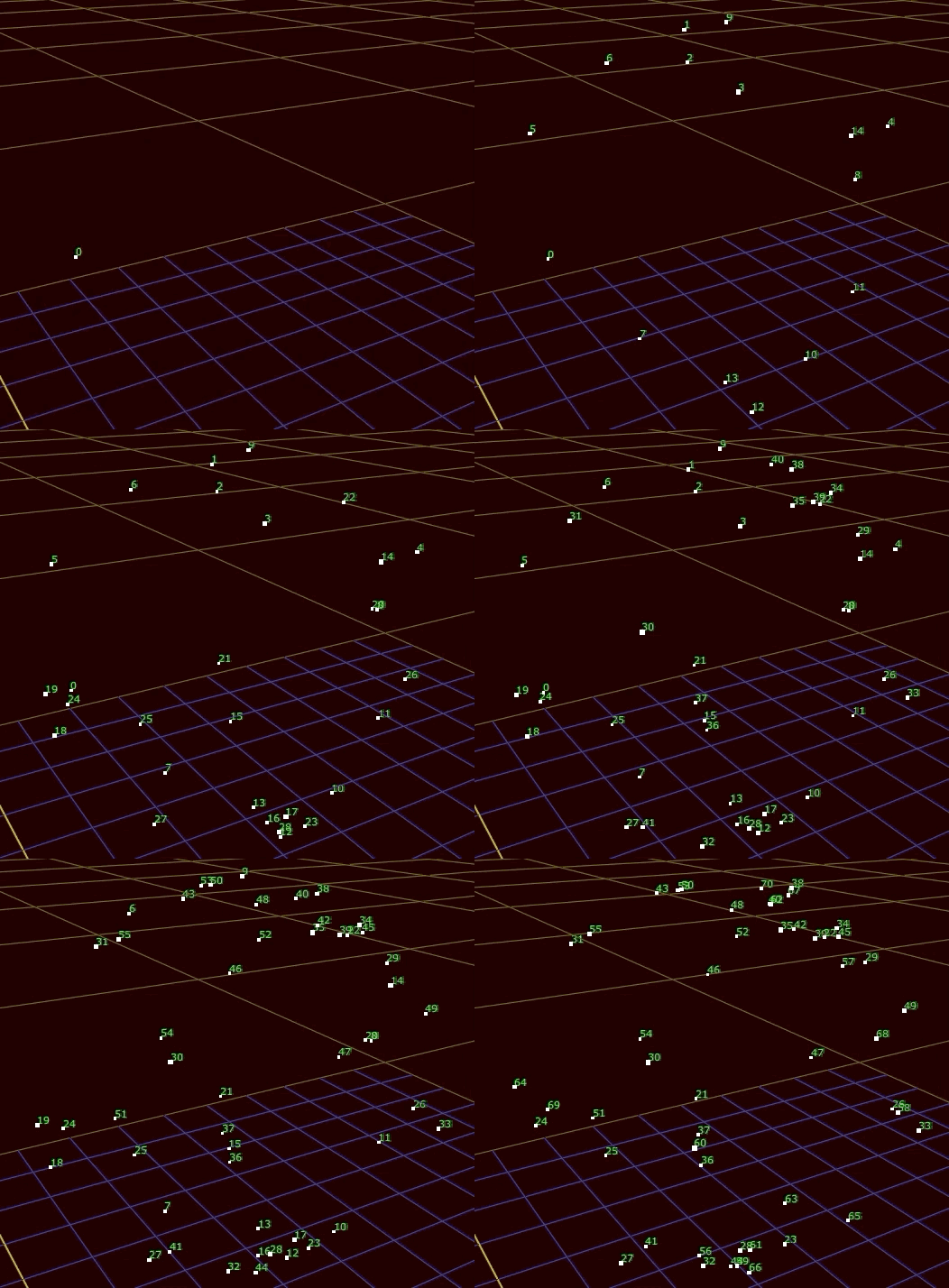
We can perform operations based on ID, such as making particle 15 huge with a different color!

Position
Similar to ID, each particle stores its own unique position, and is updated each simulation step.

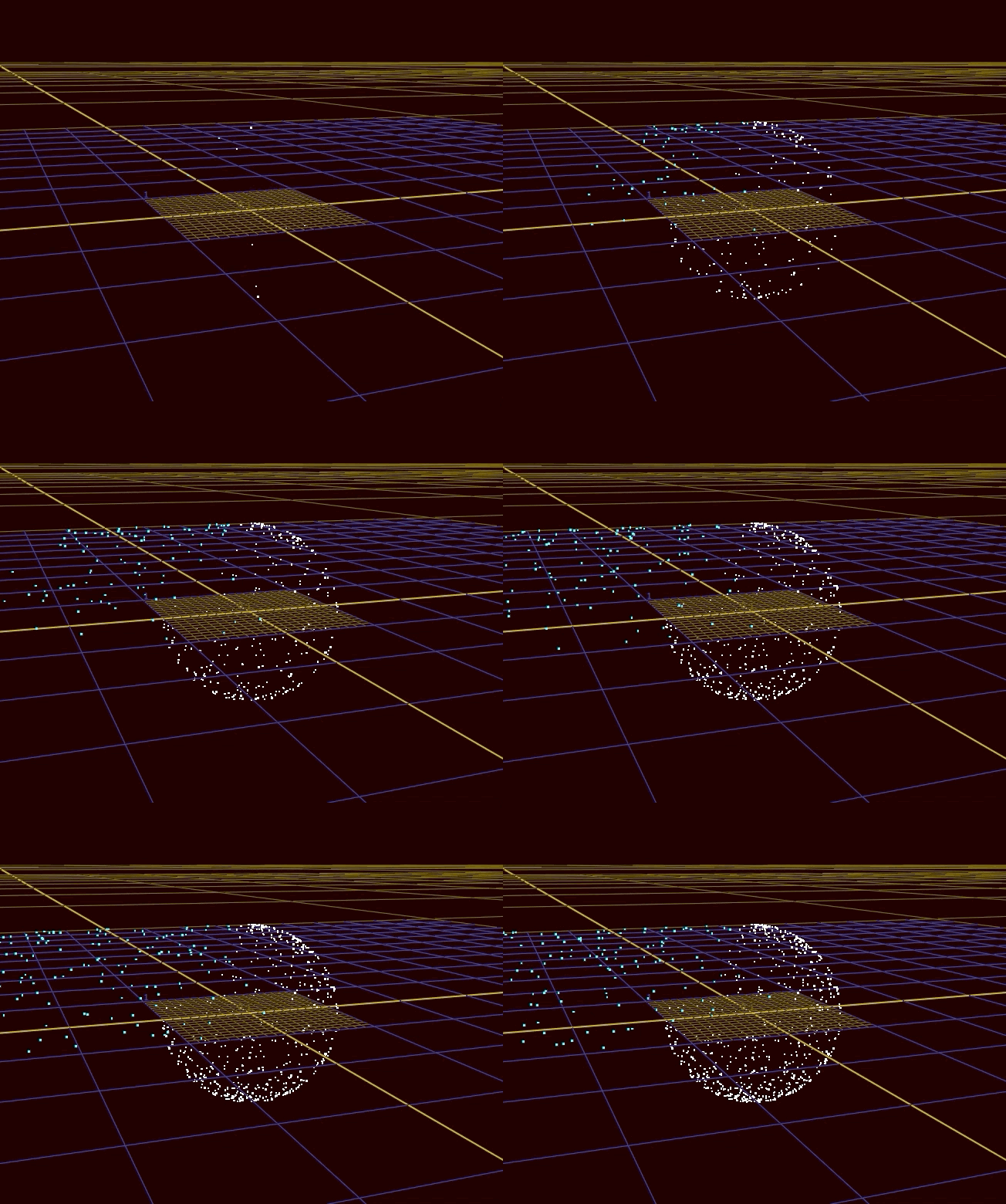
Adding controls to our system is simple once we have position data. Here, we make all the particles above the ground plane to be huge and aqua in color.

Velocity
Velocity is another attribute that is stored on each particle, and one of the main ways to add movement into particle systems.
In this example, we’re controlling the velocity and color based on position.
That concludes the first article about particles in Nuke, next article, we’ll continue our introduction to even more attributes!
 input + output