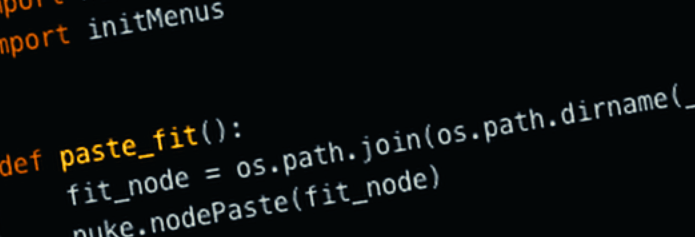
The FIT node in Houdini has become a staple tool in my tool belt, and I thought it’d be nice to port its functionality over to Nuke where I’ve been manually scaling animations curves per my needs. There’re some clear problems with the manual method, such as the inability to animate the scaling over time, prone to errors in selection, and not being at all procedural. Having a FIT node would address most if not all of these issues.
Here’s the function we’re going to build our FIT node around:
lerp(orig_min, new_min, orig_max, new_max, input_num)
Conveniently, the lerp() math function is built for remapping values and it works nicely within Nuke expressions.
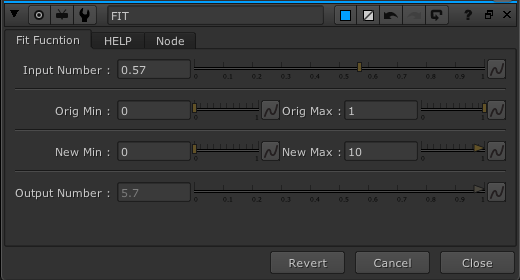
Here’s what the controls looks like after all the knobs are set up on a NoOp node:

Next, let’s inject our lerp function into the ‘Output Number’ knob.
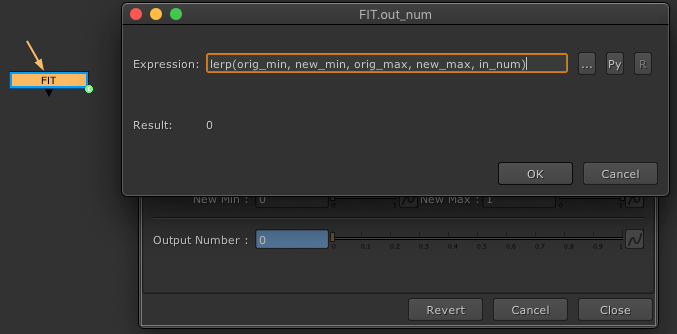
After exporting the FIT node out to my custom nodes folder, and creating its call function, let’s test out its functionality.
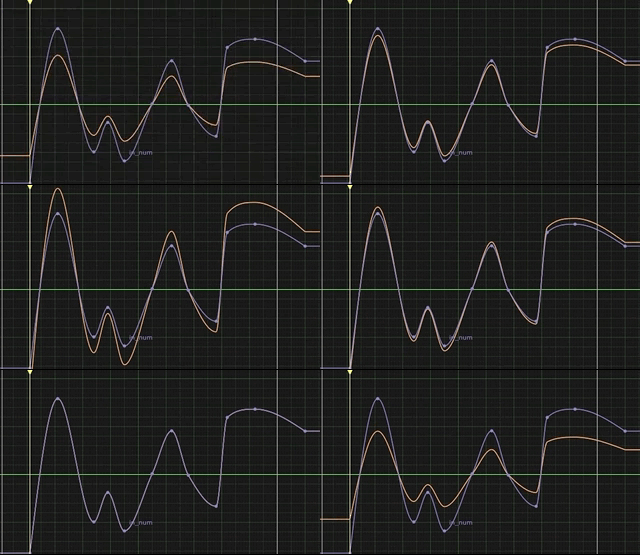
Everything seems to be functioning as expected at first glance.
Except that when we move the ‘Output Number’ slider, auto-keys are recorded. We want to stop this from happening as we’ll be passing this onto other artists. We’ll have to write a Python function specifically for the FIT node to remove the ability to animate the ‘Output Number’ knob via setting a flag.
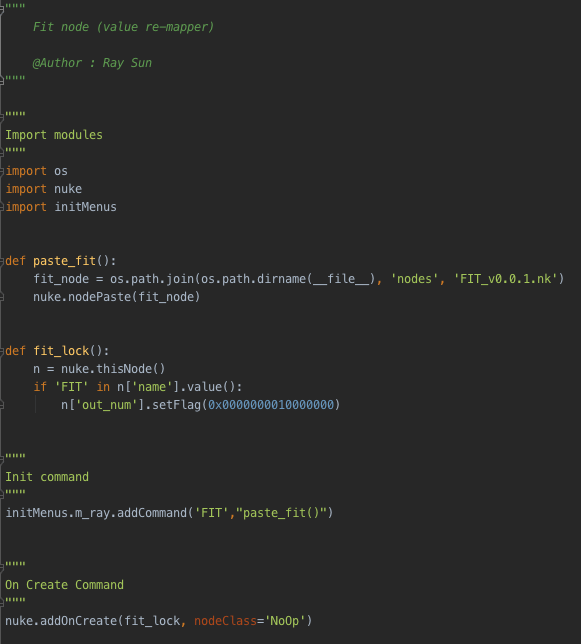
Now each time we create the FIT node, it will get a flag set on the ‘Output Number’ knob which kills the ability to be animated. And we won’t have to worry about other artists accidentally setting unwanted keyframes.
We now can animate each parameter on the FIT knob to get interesting results, while preventing human errors in the curves graph, and of course this is now a fully procedural node that lives inside of our comp tree.
A warning though, the lerp() function in the ‘Output Number’ knob can still be overwritten programmatically. This is something we have to be mindful of.
 input + output